This closes out the release week. Saturday’s certificate wizard got your app signed. Today’s feature handles what comes after the build finishes: uploading the binary, filling in the release notes, updating the listing, and doing it on every store where your users are. PR #5353 covers the client tooling; the heavy lifting lives in the build cloud.
After The Build Turns Green
A release isn’t done when the build turns green. Someone still uploads the .ipa to App Store Connect, pastes the what’s-new text into two or three web consoles, re-uploads screenshots because the store flagged one, and repeats the ritual per locale. For a single app it’s an annoying hour. For a team maintaining ten apps across App Store, Google Play and AppGallery, it’s a part-time job that produces nothing except copy-paste errors.
The obvious prior art is fastlane, which has automated this for years and works well if you maintain a Ruby toolchain and per-store lane configs. Ours is built into the pipeline that already builds and signs your binary, reuses the credentials you already stored, and covers AppGallery.
The build console now has a Submit action on every successful build: to the App Store for an iOS .ipa, the Mac App Store for a .pkg, and Google Play or Huawei AppGallery for Android. Pick Beta or Production, add release notes, and the binary is delivered. For an Apple production submission the console tracks the review state (processing, in review, approved or rejected) and can email you when it changes.
The boundary, stated plainly: automated submission delivers binaries and metadata to an existing app record. Creating the app record and answering the privacy and content-rating questionnaires are one-time manual steps in each store’s console, and our pipeline deliberately stays out of pricing and in-app purchase setup. After that one-time setup, every release’s binary and listing ship automatically.
Your Listing Is Code Now
The part I like most is cn1:metadata-push. Your store listing, the description, subtitle, keywords, what’s-new text and screenshots, becomes a folder of plain files in your repo:
cn1-metadata/
  apple/
    en-US/
      name.txt              (max 30 chars)
      subtitle.txt          (max 30 chars)
      description.txt       (max 4000 chars)
      keywords.txt          (comma separated)
      whats_new.txt
      screenshots/
        APP_IPHONE_67/1.png 2.png ...
  google/
    en-US/
      name.txt
      subtitle.txt          (short description, max 80 chars)
      description.txt
      whats_new.txt
      screenshots/
        phoneScreenshots/1.png 2.png ...
The file names are neutral and map to each store’s fields: subtitle.txt becomes the App Store subtitle and the Google Play short description. A file you don’t include leaves the store’s current value alone. mvn cn1:metadata-init scaffolds the whole layout, and pushing is one command:
mvn cn1:metadata-push                 # both stores from cn1-metadata/
mvn cn1:metadata-push -Dstore=apple   # or just one
Every field is validated against the store’s limits before it’s stored, so an over-long name fails fast on your machine instead of mid-submission. The pushed metadata is applied the next time you submit a build for that package, and applying is best-effort by design: the binary is delivered first, so a rejected field never blocks a release, it just shows as a warning in the console.
Because the listing lives in git and pushes from the command line, it fits CI: generate whats_new.txt from your changelog, push, submit. Ten apps stop being ten consoles.
Beyond Google Play
Here’s the narrative part, and we might as well say it directly. Google ships an app store and an app framework, and its tooling naturally treats Play as the finish line. We don’t have a store, so we have no stake in which one wins. Our job is maximum audience with minimum friction, whatever the store.
That matters because a large share of Android users can’t install from Google Play at all: most of the market in China, plus many Huawei devices elsewhere. AppGallery is therefore a first-class submission target, exactly like the App Store and Play. For the long tail of Android markets (Xiaomi, OPPO, VIVO, Tencent MyApp, and the rest), the build can produce distribution-channel packages: your same signed release APK stamped with a per-store channel id, which your app reads back at runtime with Display.getInstance().getProperty("DistributionChannel", "") for install-source reporting, no third-party SDK involved. Play itself always receives the standard, unmodified App Bundle, so none of this touches your Play compliance.
Credentials are per store and configured once in the console: the same App Store Connect API key the certificate wizard stored on Saturday, a Google Play service account, and a Huawei API client id and secret.
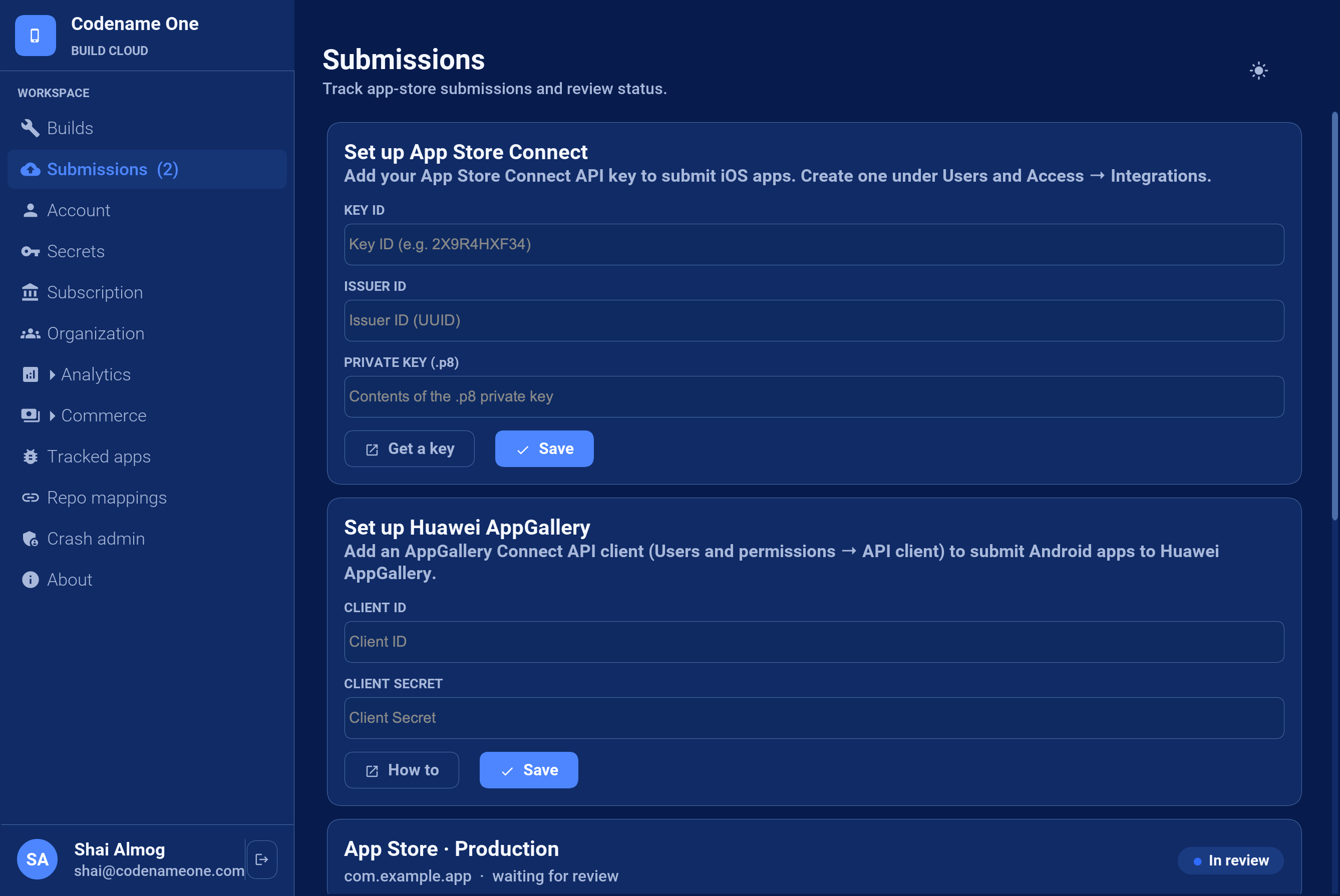
On pricing: manual submission, downloading your build and uploading it yourself, stays unlimited and free on every tier, as it always was. The plan limits apply only to the automated pipeline.
Organization Accounts
Two smaller build cloud changes shipped alongside this, and they fit the same theme of teams shipping many apps.
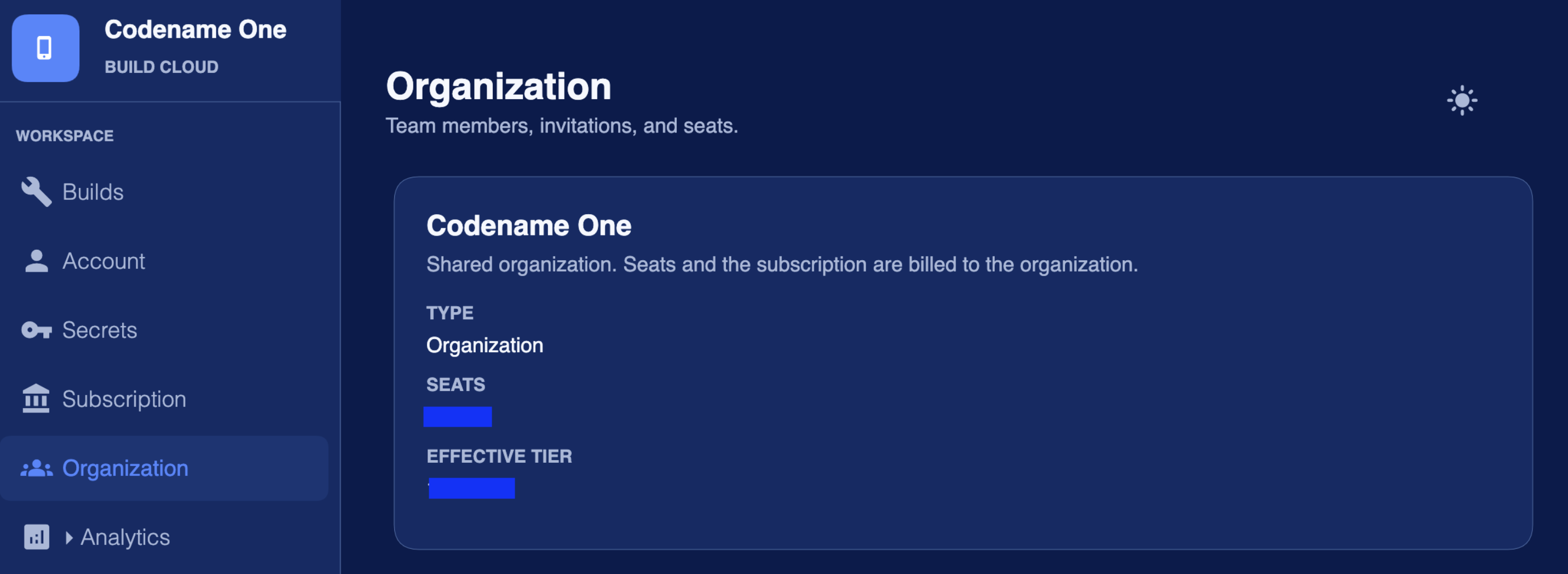
Build cloud accounts can now belong to an organization. Members share visibility into the apps the team builds, the analytics and crash reports around them, and common data like the submission credentials above, while builds and quotas remain individual. Seats and the subscription are billed to the organization instead of a personal card.
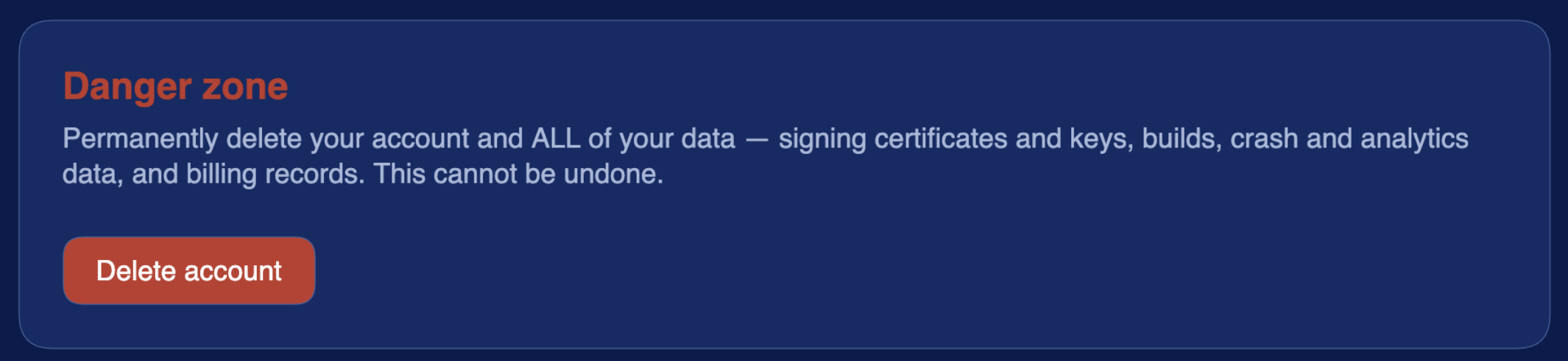
And accounts now have self service deletion. No support ticket, no email exchange: a danger zone section in account settings permanently removes your account and all of its data, including signing certificates, builds, crash and analytics data, and billing records. If you leave, you shouldn’t have to ask permission to take your data with you.
Wrapping The Week
That’s the release: a VM that trades blows with warmed HotSpot, a certificate wizard that stopped impersonating you, AR you can debug at your desk, and a release pipeline that ends in the stores instead of at the binary. The submission flow is documented end to end in the developer guide’s new App Store Submission chapter. Try it on your next release, and tell us where it creaks.
Discussion
Join the conversation via GitHub Discussions.