
This week’s release post was about making the VM fast. Today’s post is about pointing that VM at the real world. PR #5335 adds two new core packages: com.codename1.ar for augmented reality on ARKit and ARCore, and com.codename1.vr for stereo rendering and 360 media on our portable GPU pipeline.
The Problem With Writing AR Code
AR development has a miserable inner loop. The code only runs on a device, the interesting states are the ones you can’t reproduce on demand (tracking loss, a plane that merges into another, a reference image entering the frame), and every debug cycle involves standing up and pointing a phone at your floor. Add a second platform SDK with different classes and coordinate conventions, and simple ideas become week-long jobs.
So this feature has two halves that matter equally: a portable API over ARKit and ARCore, and a simulated AR backend so you can debug the whole loop sitting down.
The AR Package
The API follows the same shape as the camera package: check support, open a session with options, get one view. World tracking, plane detection (horizontal and vertical), hit testing, anchors, light estimation, image tracking, and face tracking are all in. Placing a glTF model on a tapped surface looks like this:
if (!AR.isSupported()) {
    ToastBar.showInfoMessage("AR is not supported on this device");
    return;
}
final ARSession session = AR.open(new ARSessionOptions());
final ARView view = session.createView();

Form f = new Form("AR", new BorderLayout());
f.add(BorderLayout.CENTER, view);
f.show();

// modelBytes is a .glb asset, e.g. loaded from getResourceAsStream
view.addPointerReleasedListener(e -> {
    float xn = (e.getX() - view.getAbsoluteX()) / (float) view.getWidth();
    float yn = (e.getY() - view.getAbsoluteY()) / (float) view.getHeight();
    session.hitTest(xn, yn).ready(hits -> {
        if (hits.length > 0) {
            ARAnchor anchor = hits[0].createAnchor();
            anchor.setNode(new ARNode(ARModel.fromGltf(modelBytes)));
        }
    });
});
That code is identical on iOS and Android. Underneath, iOS composites an ARKit session through SceneKit and Android runs typed ARCore code, but the port never sees your glTF bytes: the core parses the model with a device-free loader and hands raw geometry buffers to the backend. That last detail is also insurance. Because the API exposes no SceneKit or ARCore types, the iOS backend can migrate to RealityKit later without breaking a line of your code.
Threading follows normal Codename One rules. Every listener fires on the EDT, and high-frequency refinements (anchor updates, plane growth, camera pose, light estimates) are coalesced so a busy EDT sees the latest state rather than a backlog. You write ordinary event-driven code, no synchronization rituals.
The Simulated Room
The simulator ships a full AR backend modeled on the Android emulator’s virtual scene. Open a session and the simulator “detects” the floor of a virtual room after a realistic delay, the same way real plane detection takes a moment. Drag the mouse to look around, move with WASD, and hit test against the detected planes at mathematically exact points. Set a breakpoint inside your plane listener. It works, because it’s all Java running in the same process.
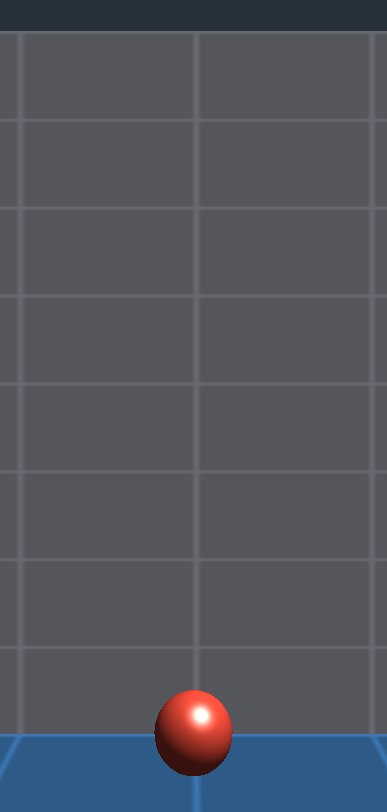
The Simulate menu gains an AR Simulation window for the states you can’t summon on hardware: force degraded tracking with a chosen failure reason, change the light estimate, re-run plane detection, trigger recognition of a registered reference image, and toggle a simulated face anchor. The nastiest AR bugs live in exactly these transitions, and now they’re a checkbox.
The VR Package
com.codename1.vr takes the opposite approach: no platform SDK at all. It’s pure core code built on the existing com.codename1.gpu pipeline and the motion sensors API from last week, so it runs anywhere isGpuSupported() is true, including the simulator.
VRView renders your scene twice per frame, once per eye, with cameras offset by a configurable interpupillary distance; the offset is the depth cue. HeadTracker fuses the gyroscope, accelerometer, and magnetometer into a head orientation through a deterministic complementary filter, which means the fusion math is unit tested rather than eyeballed.
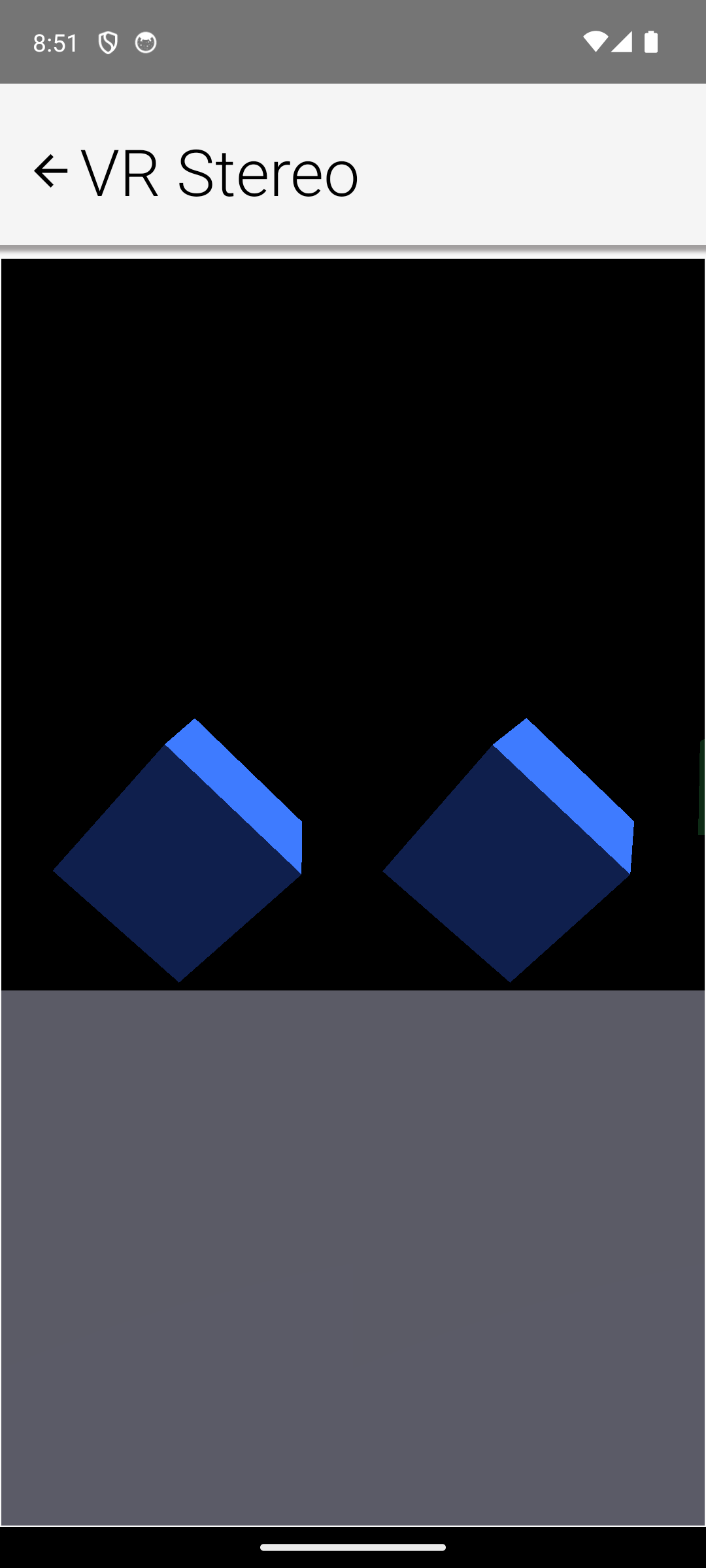
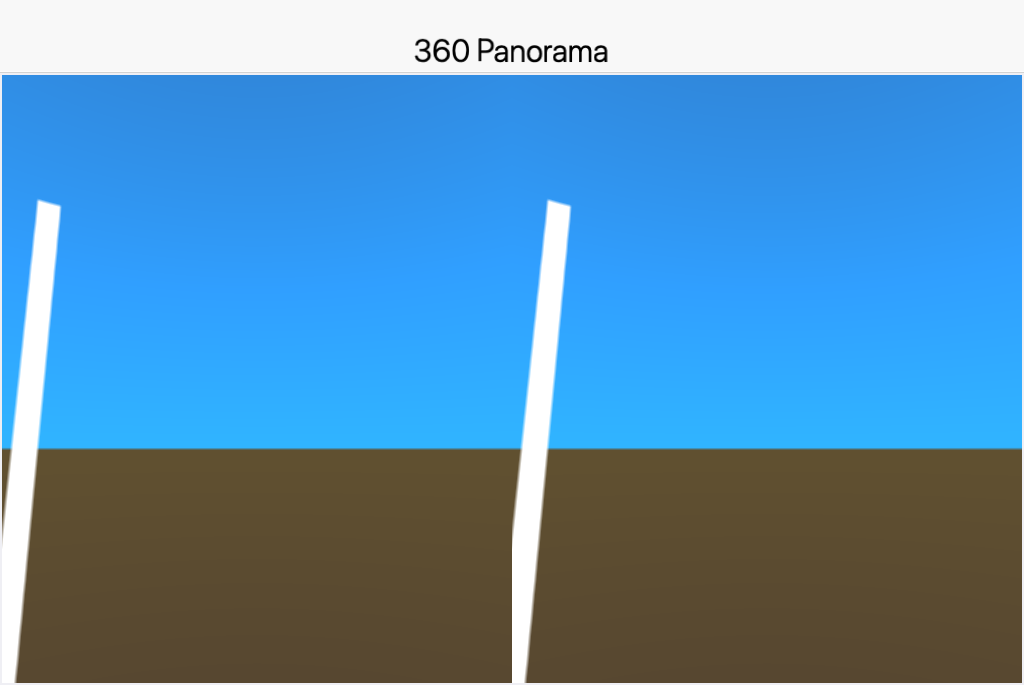
The piece most apps will actually use is Media360View, an equirectangular panorama viewer with drag and gyroscope look-around, in mono or cardboard-style stereo:
Media360View pano = new Media360View();
pano.setImage(EncodedImage.create("/panorama.jpg"));
f.add(BorderLayout.CENTER, pano);
What It Costs Your Build: Nothing, Unless You Use It
The build pipeline treats AR like the camera and car APIs: referencing com.codename1.ar is what injects the camera permission, the ARCore Gradle dependency, and the manifest entries, and marks ARCore as optional so your app still installs on devices without it (flip android.ar.required=true for an AR-only app). On iOS, ARKit is linked only for apps that use the API and compiled out on tvOS and watchOS. Apps that never touch the package pay no size, permission, or store-visibility cost.
Scoped Out, On Purpose
Two things are deliberately missing rather than stubbed: 360 video and lens distortion correction. Video needs a media-to-texture path and distortion needs render-to-texture, and we’d rather ship no API than a placeholder that changes shape later. Media360View.setTextureSource() is the documented extension point that dynamic content, including future video, will arrive through. Also worth knowing: face tracking regions differ per platform (ARCore gives you the nose and forehead, ARKit the eyes), so region lookups can return null and your code must expect that.
Tomorrow closes the week with the other end of the pipeline: once the app is built and signed, getting it into the App Store, Google Play and Huawei AppGallery automatically, with your store listing checked into git.
Discussion
Join the conversation via GitHub Discussions.